

.png)
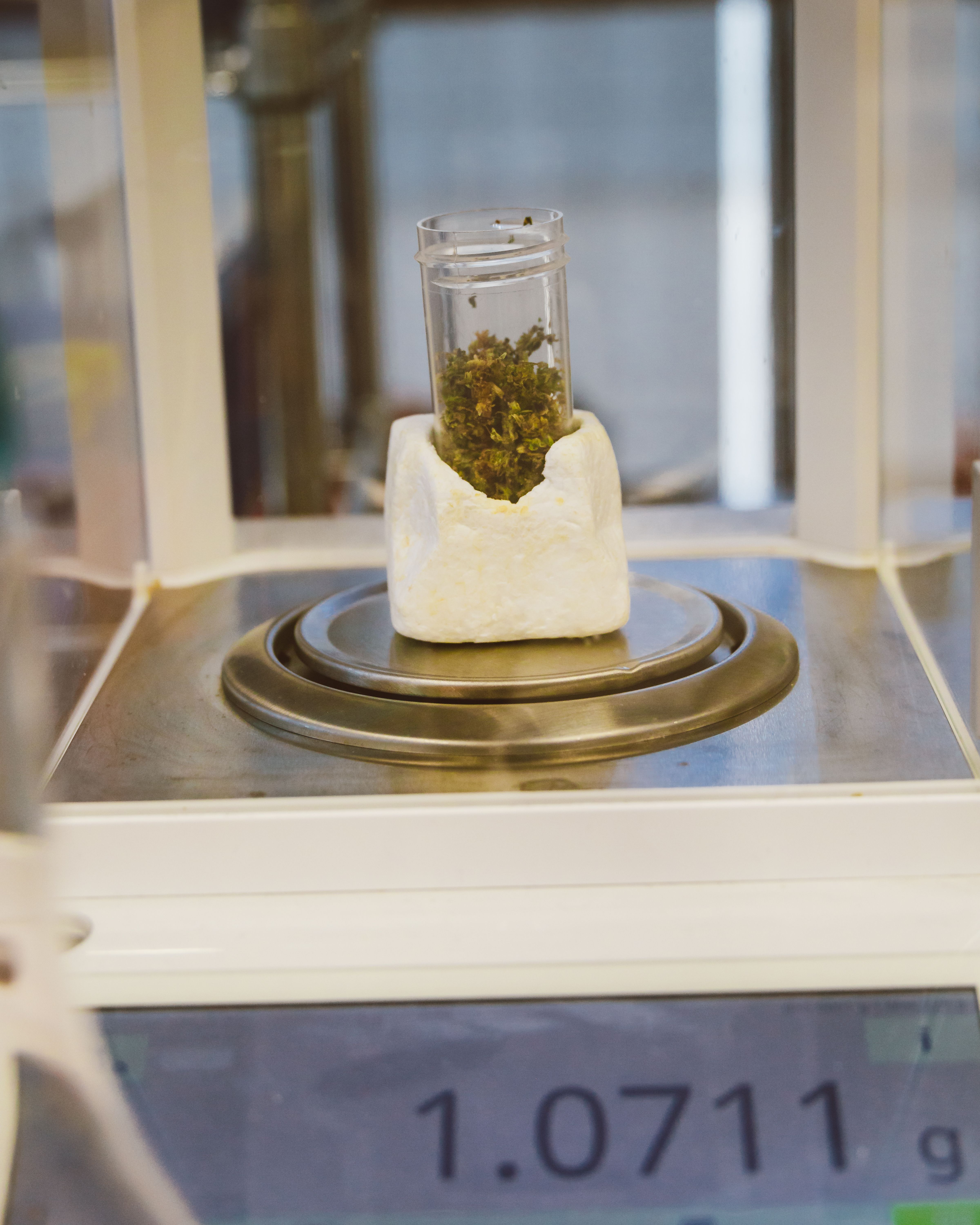
Manual weighing is still the default in most facilities: a number is weighed at the scale, written down or remembered, then typed into Cannavigia later at a separate terminal. That gap is where a number can get written down wrong, linked to the wrong batch, or entered minutes late.
Facilities without the Scale App are logging hundreds of manual entries a month, each one a fresh chance for it to happen.
An unexplained mismatch between a paper note and a system entry is enough to trigger a finding, and a repeated finding becomes a formal corrective action, a CAPA, that can put a facility's licence at risk.
-selection%20(4).png)
Turn any Android phone into a mobile scale terminal, built for accurate, attributable weight capture right at the point of work.
The scale sends every weight to the smartphone, so the reading appears in Cannavigia the moment the operator records it.
The task at the bench doesn't change: scan the batch, weigh the product, confirm the reading. What changes is where that reading goes, straight into Cannavigia instead of being written down and carried to a terminal.
If a facility already has a compatible scale, most of the setup is already done. The Scales App currently supports Radwag scales, with more manufacturers added case by case, so it's still worth checking even if yours isn't listed yet.
Removing the paper step does more than reduce audit risk. It removes the point where a number can be changed, remembered wrong, or lost between the scale and the record. A weight that comes straight from a calibrated scale into Cannavigia is the same weight every time it's checked, whether that check happens the same day or during an audit months later.
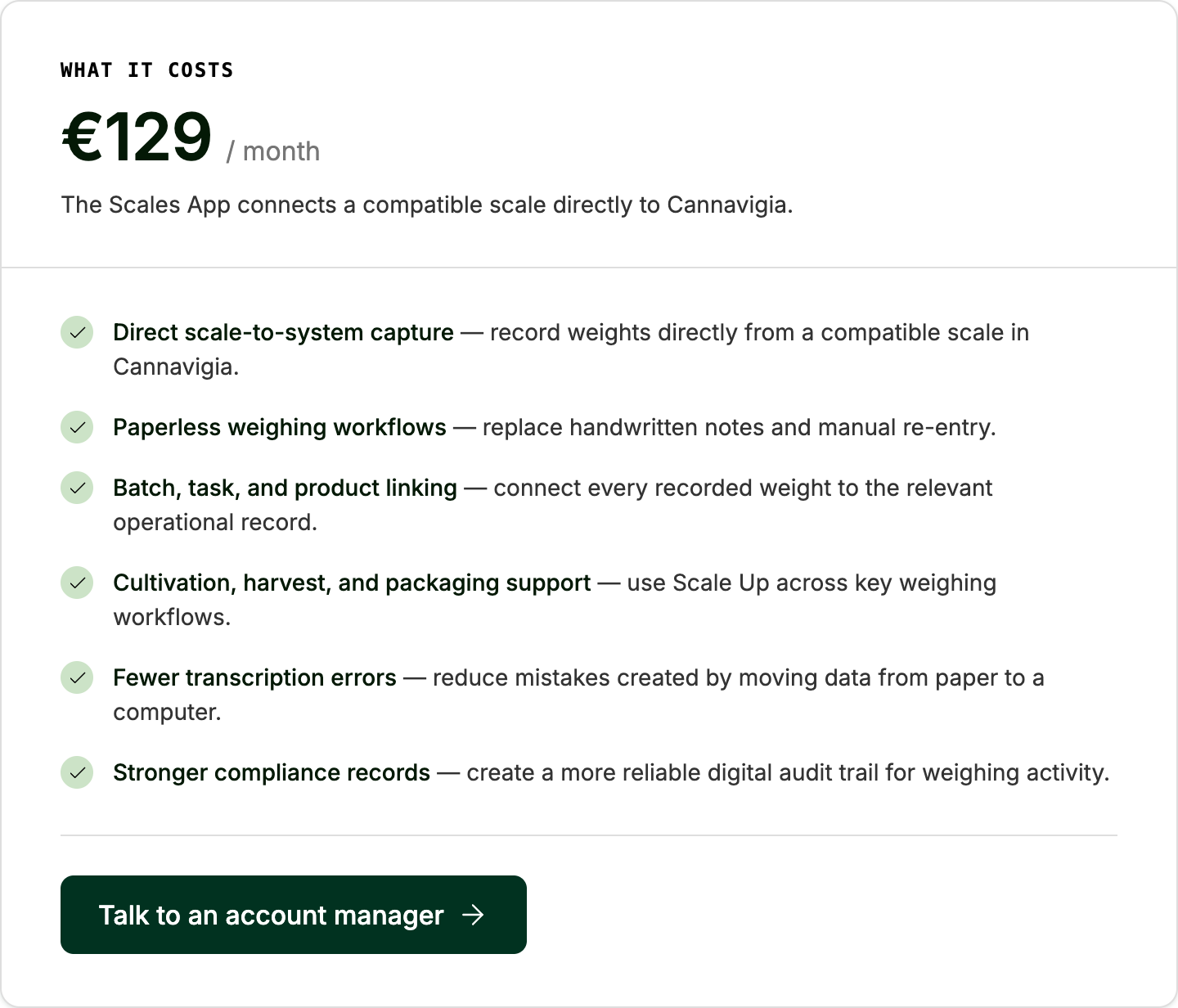
That fixed monthly cost buys a paperless workflow that stands up in an audit: no paper record to lose, alter, or delay, and a weight that comes straight off a calibrated scale instead of someone's memory.
A facility logging hundreds of manual entries a month has hundreds of chances for a number to be questioned in an audit, not just hundreds of minutes spent at a terminal.
The core value is what a facility stops being exposed to: a CAPA, or in a worse case, a licence review, over a number that didn't match.
A typical station puts everything in one fixed spot:
The operator's task doesn't change: weigh, scan, confirm. What disappears is the walk to a separate station to type the number in later.


